
In today's digital world, converting images into editable text has become a necessity. This is where a PNG to Text OCR tool comes into play. OCR stands for Optical Character Recognition, a technology that scans images and extracts text from them.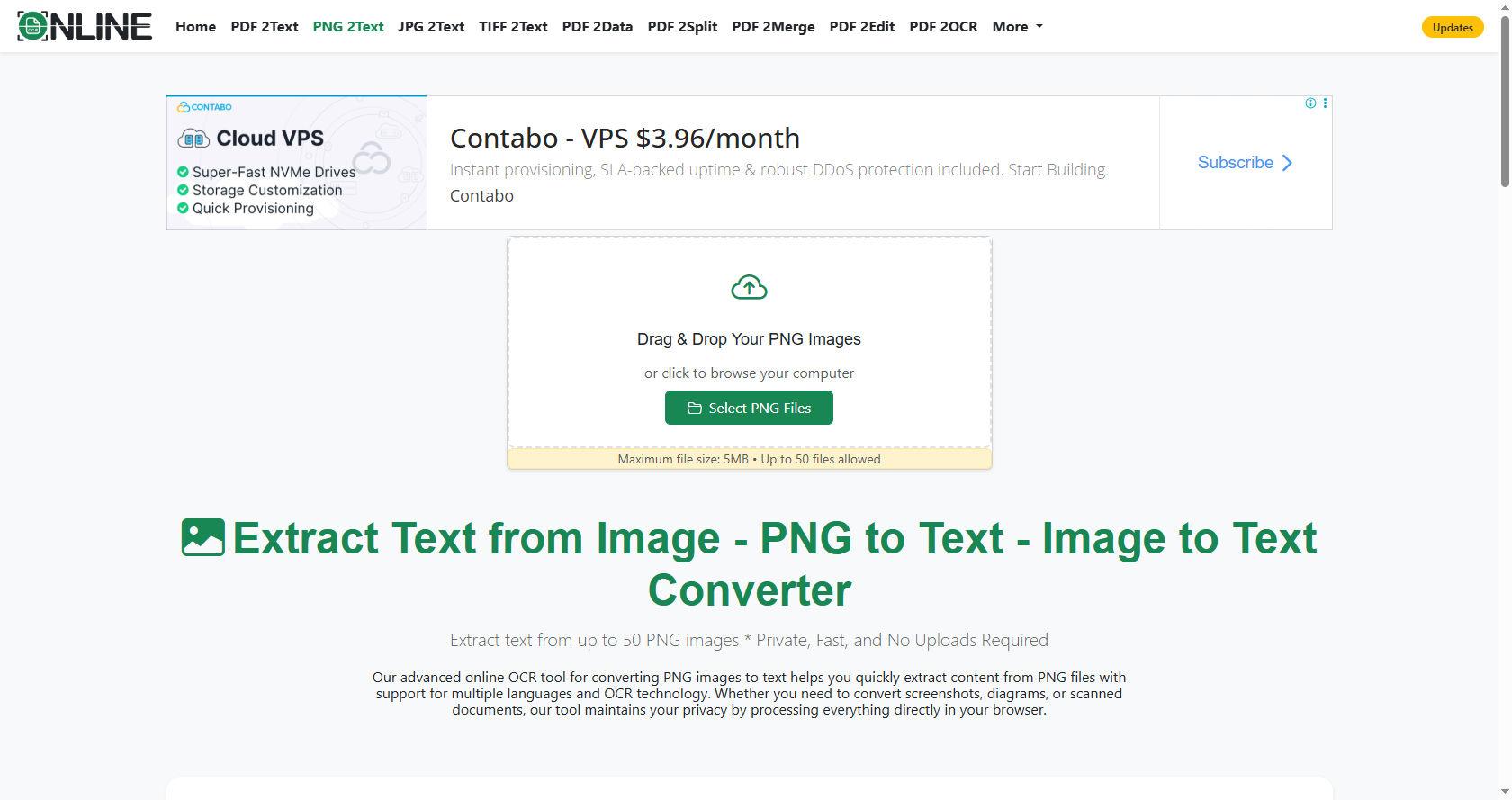
The PNG to Text process allows users to take an image in PNG format and quickly turn it into text that can be edited, copied, or stored.
Many people wonder why a PNG to Text OCR tool is accurate. Understanding this requires a deeper look into how OCR technology works and the advancements that make it precise.
Whether you're a student, a professional, or someone who often deals with scanned documents, knowing the accuracy of these tools can save time and enhance productivity.
How PNG to Text OCR Works
A PNG to Text OCR tool works by analyzing the pixels in an image. It identifies patterns that resemble letters, numbers, and symbols. The process involves multiple steps to ensure accuracy:
-
Image Preprocessing
Before recognizing text, the tool enhances the image. It may adjust brightness, contrast, and remove noise. These steps ensure the letters in the PNG are clear and distinct. -
Character Recognition
The core of OCR is recognizing characters. The tool compares shapes in the image to a database of known fonts and letters. Modern PNG to Text tools use artificial intelligence to understand different handwriting styles or fonts. -
Post-Processing
After recognizing characters, the tool checks for errors. It corrects common mistakes using dictionaries and context-based algorithms. This ensures the text output is as accurate as possible.
By combining these steps, a PNG to Text OCR tool can deliver highly reliable results, even when the image quality isn’t perfect.
Factors Affecting Accuracy
Several factors influence the accuracy of a PNG to Text OCR tool:
-
Image Quality: Higher-resolution PNG images produce better results. Blurry or pixelated images may lead to errors.
-
Font Type: Standard fonts are recognized easily, while cursive or decorative fonts may be harder.
-
Language Support: Tools supporting multiple languages are more versatile.
-
Noise and Background: A clean background improves recognition, while complex backgrounds can confuse the tool.
By understanding these factors, users can optimize their images to achieve the best PNG to Text results.
Advantages of Using PNG to Text OCR Tools
The rise of digital transformation has made PNG to Text OCR tools indispensable. Here are the main advantages:
-
Time-Saving
Manually typing text from an image is tedious. With OCR, the process takes seconds. -
Editable Content
Text extracted from a PNG image can be edited in word processors, spreadsheets, or other software. -
Searchable Documents
Converting PNG images to text allows for easy searching of keywords, making information retrieval efficient. -
Multilingual Support
Many PNG to Text tools can recognize multiple languages, making them suitable for global users. -
Integration with Other Tools
OCR tools often integrate with cloud storage, PDF editors, and translation software, enhancing workflow efficiency.
Why PNG to Text OCR Tools Are So Accurate
The accuracy of a PNG to Text OCR tool is a result of several modern technological advancements:
-
Artificial Intelligence (AI): Modern OCR tools use AI to recognize complex patterns, understand handwriting, and predict ambiguous characters.
-
Machine Learning (ML): ML algorithms learn from corrections, which improves accuracy over time.
-
Deep Learning Neural Networks: These networks can recognize text in challenging conditions, including skewed images or unusual fonts.
-
Contextual Analysis: OCR tools often use dictionaries and grammar rules to correct words that don’t make sense in the context, reducing errors.
Because of these innovations, a PNG to Text OCR tool is highly reliable, even for complicated images or less clear handwriting.
Common Uses of PNG to Text Tools
The PNG to Text OCR tool has practical applications across various fields:
-
Education
Students can convert notes or scanned pages into editable text, making studying and organizing content easier. -
Business
Businesses convert invoices, receipts, and reports from PNG images into editable formats, streamlining data entry. -
Legal Documentation
Legal professionals use OCR to extract information from contracts and agreements, improving efficiency and reducing manual work. -
Healthcare
Medical records often come as images. Converting them to text ensures easy storage, retrieval, and sharing. -
Personal Use
People use PNG to Text tools to digitize handwritten letters, old notes, or printed material for personal archives.
How to Improve Accuracy in PNG to Text Conversion
While OCR tools are advanced, users can take steps to ensure better results:
-
Use High-Resolution Images: Ensure your PNG image is clear and high-quality.
-
Remove Noise: Clean backgrounds and remove unnecessary marks.
-
Choose the Right Tool: Not all OCR tools are equal; select one with AI and language support.
-
Correct Orientation: Ensure the text in the PNG is properly aligned and not skewed.
-
Proofread Output: While tools are accurate, minor errors can occur, so reviewing the converted text is essential.
Comparing PNG to Text OCR Tools
There are many OCR tools available online and offline. Here’s how to compare them for better accuracy:
-
Recognition Rate: Look for tools with a high recognition accuracy percentage.
-
Speed: Some tools process images faster than others, especially for bulk conversion.
-
Language Support: Ensure the tool supports the language in your PNG image.
-
Formatting Retention: Some OCR tools retain fonts, styles, and layouts, while others only extract plain text.
-
User-Friendly Interface: A simple, easy-to-use interface can save time and reduce errors during the conversion process.
By comparing these factors, users can choose the most accurate PNG to Text OCR tool for their needs.
The Role of AI in Enhancing Accuracy
Artificial Intelligence is a game-changer for PNG to Text OCR tools. Here’s how AI contributes:
-
Pattern Recognition: AI detects even irregular fonts and handwriting.
-
Context Understanding: AI algorithms analyze sentence structures to correct misrecognized words.
-
Continuous Learning: AI improves over time by learning from corrections, making each new conversion more accurate.
-
Complex Layout Handling: AI can detect tables, columns, and unusual layouts in PNG images, ensuring precise text extraction.
AI has transformed OCR from a basic scanning tool into a highly intelligent system capable of handling diverse text types.
Potential Challenges and Solutions
While OCR is highly accurate, certain challenges may arise in the PNG to Text process:
-
Handwritten Text: Difficult handwriting can confuse the tool. Solution: Use AI-powered OCR that specializes in handwriting recognition.
-
Low-Quality Images: Blurry or dark images reduce accuracy. Solution: Enhance the image before conversion.
-
Uncommon Fonts: Decorative or artistic fonts may not be recognized. Solution: Convert such text into standard fonts first.
-
Multiple Languages: Mixed languages in one image can be tricky. Solution: Choose tools with robust multilingual support.
By understanding these challenges and applying solutions, users can maximize the accuracy of their PNG to Text conversions.
Practical Tips for Best Results
To get the most accurate results, follow these practical tips:
-
Use PNG Over Other Formats: PNG is lossless and preserves clarity, making it ideal for OCR.
-
High Contrast Between Text and Background: Clear distinction ensures letters are recognized correctly.
-
Keep Text Horizontal: Skewed text can confuse recognition.
-
Split Complex Images: Large documents with images and text may need to be divided for better accuracy.
-
Regularly Update OCR Software: Updates bring AI improvements and new features.
Applying these tips can significantly increase the reliability of your PNG to Text conversions.
Future of PNG to Text OCR Technology
The future of PNG to Text OCR tools looks promising. Here are some trends:
-
Enhanced AI Accuracy: AI models will continue improving, making OCR nearly flawless.
-
Real-Time Text Recognition: Users may convert text directly while taking photos of documents.
-
Integration with Cloud Services: OCR will become part of broader workflows, automatically saving converted text in cloud systems.
-
Support for More Languages and Scripts: Global adoption will increase as tools expand language support.
-
Voice-to-Text Enhancements: Combining OCR and voice recognition could create seamless document digitization.
These advancements mean that PNG to Text OCR tools will become faster, smarter, and more integrated into daily life.
Conclusion
In conclusion, a PNG to Text OCR tool is accurate because of the combination of advanced image processing, AI, machine learning, and contextual analysis. The technology has evolved from simple character recognition to highly intelligent systems capable of handling complex layouts, handwritten notes, and multiple languages.
By understanding how OCR works, factors affecting accuracy, and practical ways to improve results, users can fully leverage the benefits of converting PNG images to editable text. The accuracy of modern OCR tools ensures that businesses, students, professionals, and personal users save time, reduce errors, and maintain productivity.
Whether you need to digitize notes, manage business documents, or preserve old records, a reliable PNG to Text OCR tool is essential. By choosing the right tool and following best practices, you can achieve precise and efficient results every time.
The future of OCR promises even greater accuracy and usability, making PNG to Text conversion an indispensable part of our digital lives.